
So far, you’ve met Ross.. the one who digs deeper.. and Monica.. the one who brings order to chaos. Now it’s time for the heart of the show.
Meet Joey. The one who keeps it real. Simple. Spontaneous. A little unpredictable. And yes, the one who somehow wins everyone over by just being himself. 😎
Inside Copilot, Joey is your Voice.
Why Voice changes everything
Joey doesn’t overthink. He just talks. Says what he means (sometimes a little too directly 😅). But that’s what makes him connect with people.. he’s real, he’s human, and he always speaks his mind.
When you type, you edit yourself. You delete words. You doubt your phrasing. You hold back. But when you speak, you tell more. You explain what you actually mean. Not what you think you should say.
Your tone adds context. Your pauses show reflection. Your energy reveals intent.
That’s what makes Voice in Copilot so powerful. It captures your natural thinking flow. You don’t need the perfect prompt. You just always need to start talking.
Copilot listens, interprets, and turns your thoughts into something you can act on.
Because let’s be honest your best ideas rarely show up when you’re typing behind a desk. They show up when you’re walking, driving, or explaining something out loud. Voice captures that version of you.. the unfiltered one.
☕ Where to find Joey
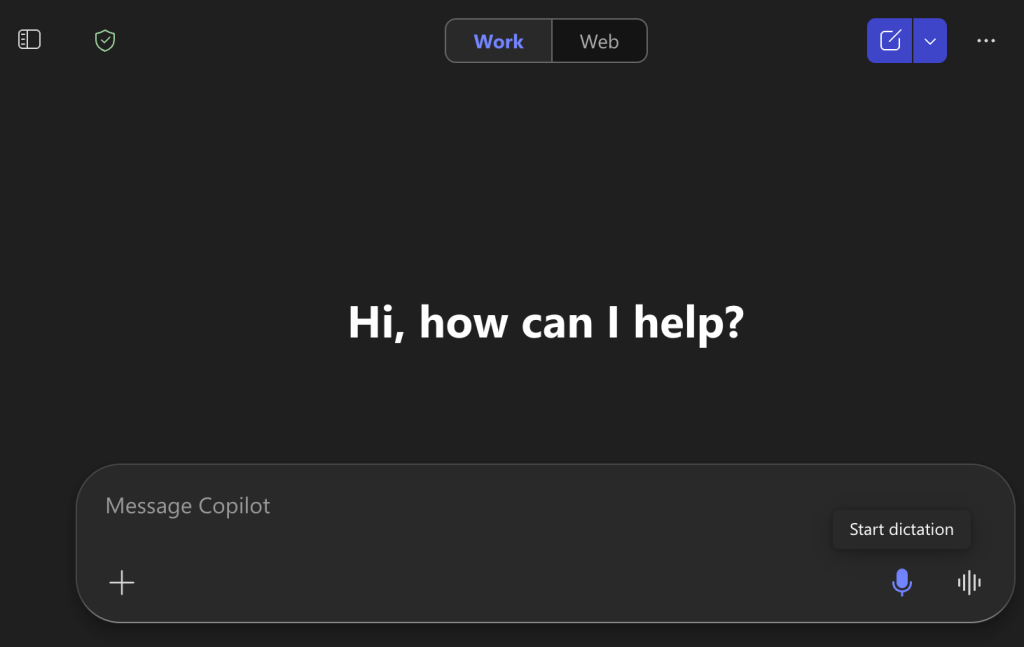
Copilot Chat (web or desktop)
See that small microphone icon next to your chat box? That’s Joey waiting to talk. Click it, speak naturally, and Copilot will catch your question tone and all.
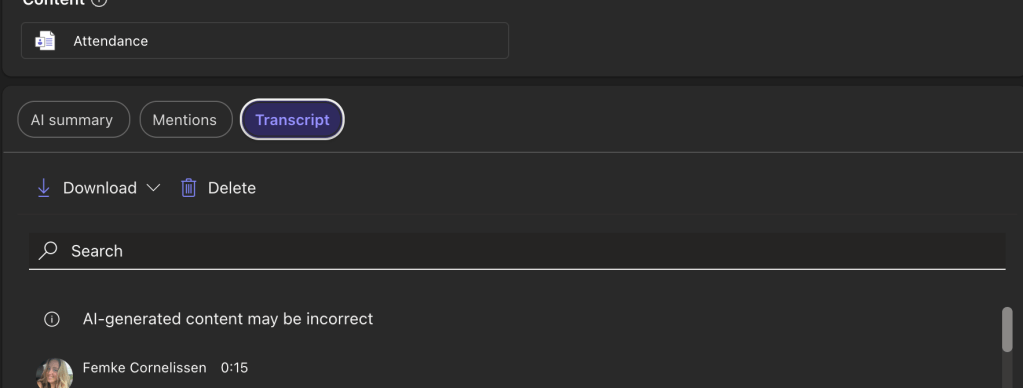
Microsoft Teams
Joey shines in Teams. During meetings, Copilot can listen via your meeting transcript and pick up key ideas, decisions, or follow-ups. All from your voice.You can even open the Copilot panel midmeeting and ask: “Summarize what’s been discussed so far.” After the call, Copilot remembers your tone, context, and phrasing when generating the recap.

Use the transcript for your next steps a in create a PowerPoint presentation or sending some emails. This is your GOLD!
Outlook
Voice isn’t just for chat, it’s for communication. Try recording your idea, or dictate a short message instead of typing.
Say: “Copilot, write a short, friendly follow-up to my last email with Sarah — keep it positive.” This is something you can do in your Copilot Chat. Copilot instantly drafts a message in your voice, matching the warmth and tone you’d use out loud. But in Outlook you can use as well the recording button and afterwords you can put on the button Copilot. https://www.50dagenai.nl/video/39-pro-tip-copilot-voor-outlook
📊 PowerPoint
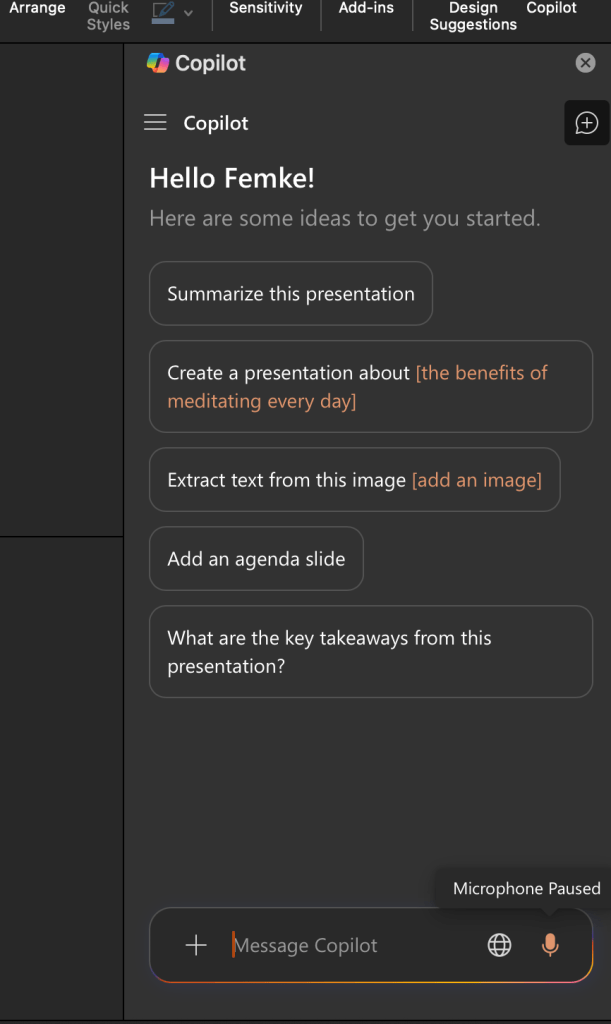
Open Copilot and just say: “Create a slide about our Q4 highlights.” or give me feedback about this slide.
Copilot Mobile App
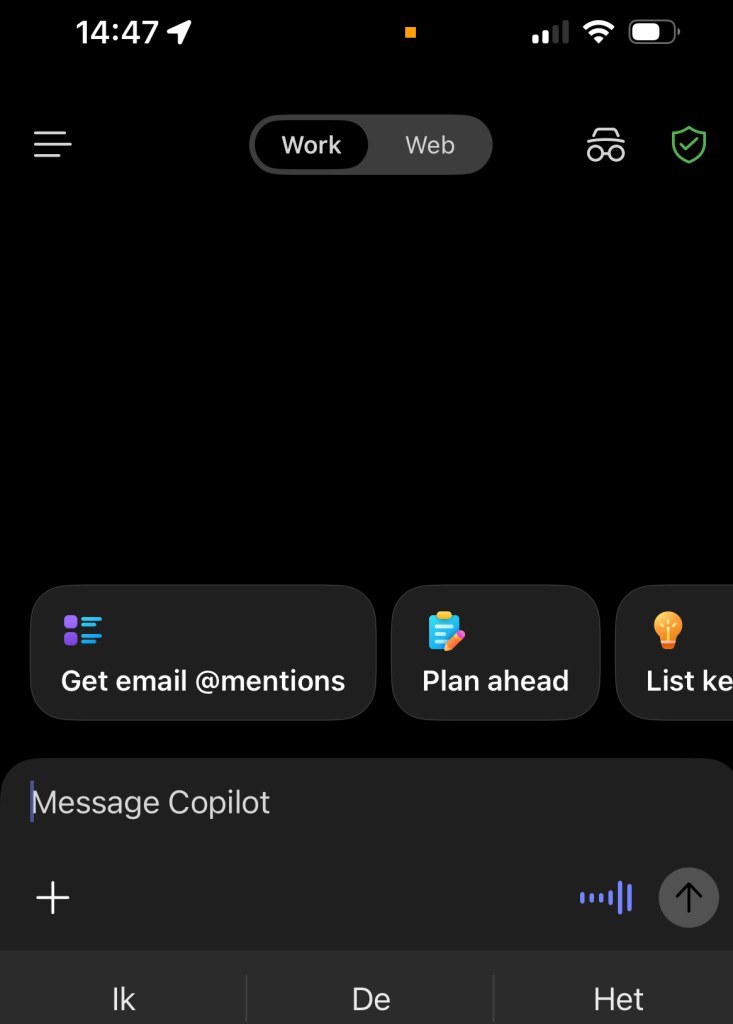
On the go? Hold the mic icon and just talk. Dictate an idea, ask a question. Do I already have a answer about Project X?
Why it really works
Talking to Copilot isn’t just faster. It’s more you.
Your voice carries emotion and intent that text can’t capture.
When you speak, you think differently. You connect dots faster. You sound more authentic. You show what matters.
Voice helps Copilot understand not only what you say, but why you say it.
It’s how your personality meets productivity. And honestly, that’s where the magic happens.
What’s next?
With Joey in your cast, Copilot starts feeling more human.
More natural. More like you.
Next week we meet Chandler. The one who always knows how to say it. Inside Copilot, that’s the art of tone, context, and communication.
 Femke Cornelissen
Een gedachte over “The One With Joey (week 4)”
Reacties zijn gesloten.